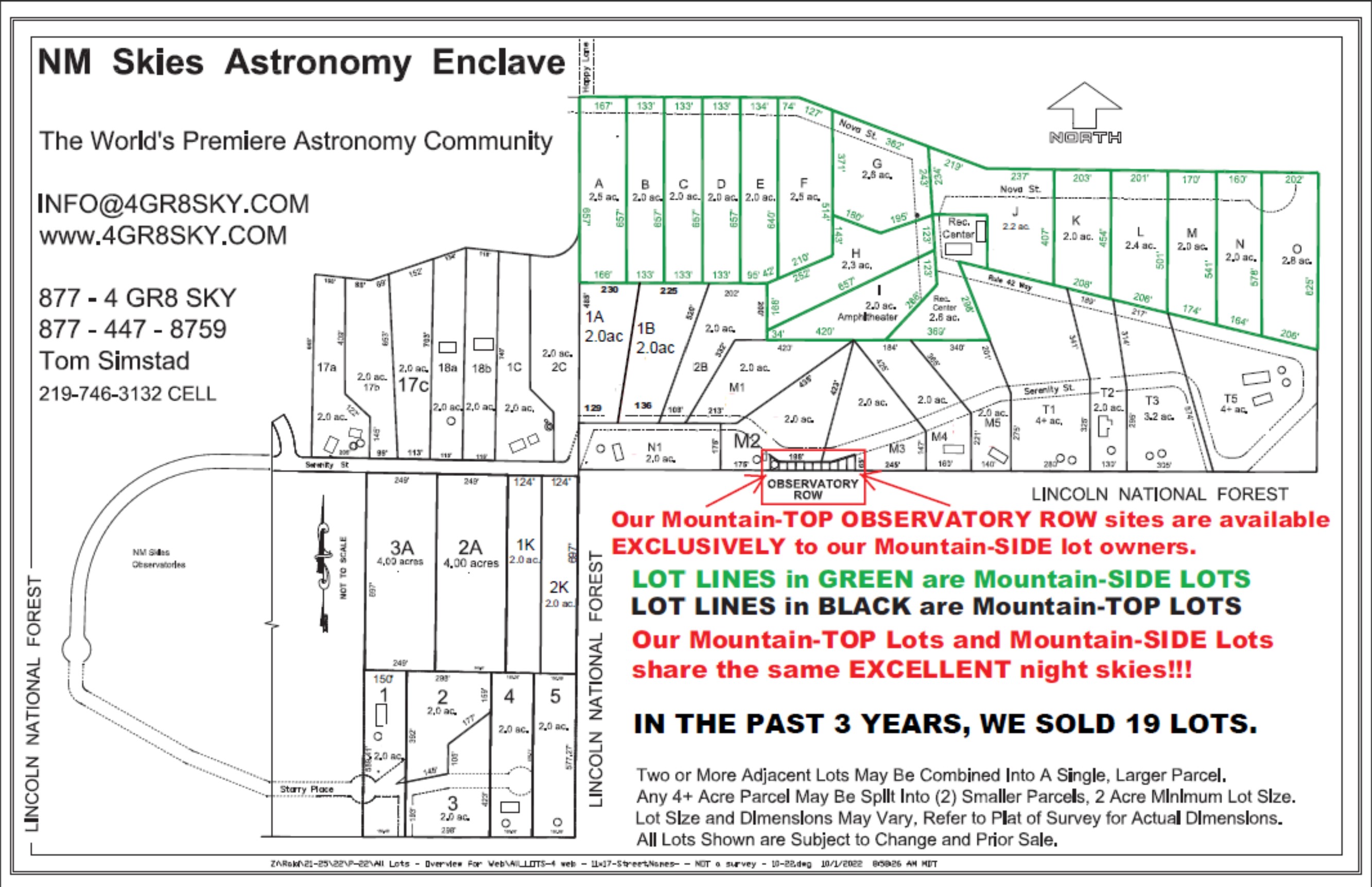
While all three GOOLE movies are similar, they all offer slightly different perspectives on our area. The Yellow "push pins" show the location of our neighbors' homesites. The "blue dots" show the location of where the GOOGLE EARTH "Panoramio" panoramic photos were taken from.
If you have Google Earth, just CHECK the box next to "Panoramio", which is located under the "GEOGRAPHIC WEB" layer (be sure your "Sidebar" is visible in Google Earth). As you zoom into New Mexico Skies, you'll be able to see the Panoramio images as "blue dots", just click on the blue dots to view the panoramic images.
Below are the GOOGLE EARTH tours that were used to create the movies. Download all 4 of them to your hard drive, and then OPEN all 4 in Google Earth. Next, just select the tour you wish to view. The file "Prop_Lines.kmz" is only the property lines of the various lots. The actual Tours are the files that begin with "NMSS".
Google Earth - Tour #1
Google Earth - Tour #2
Google Earth - Tour #3
Google Earth - Property LINES